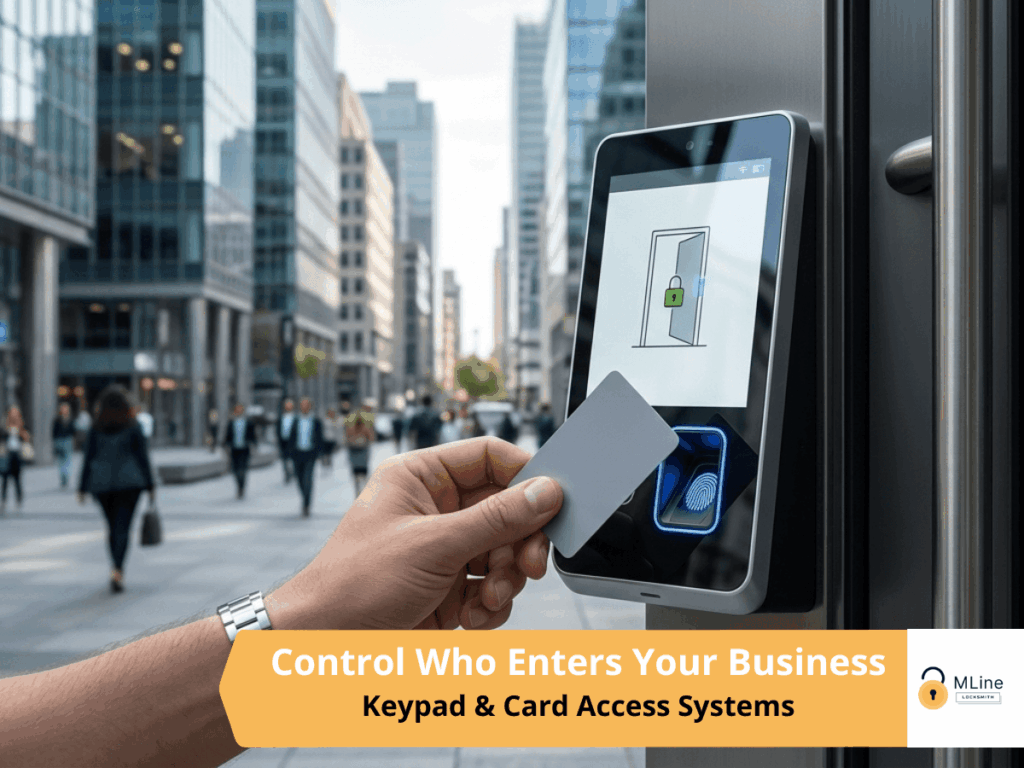
Think about the last time someone left your company. Maybe they gave two weeks’ notice, maybe they didn’t.
Either way, at some point after they walked out the door you had to think about which keys they had, whether they returned all of them, and whether any of those keys had been copied at some point in the previous months or years. If your answer to that last question was “I don’t actually know,” you understand exactly why businesses move to access control.
Access control replaces physical keys with electronic credentials: keycards, fobs, PIN codes, biometric identifiers, or smartphone-based access. The fundamental difference is not the technology. It is the control. When someone leaves your business, you deactivate their credential in seconds from a software dashboard. No rekeying, no lock changes, no wondering whether a copy exists somewhere. Their access is gone the moment you decide it is.
At MLine Locksmith, we design and install access control systems for commercial properties, office buildings, medical facilities, and multi-tenant properties across the Main Line. Every installation is planned around your specific doors, your team structure, and how your business actually operates, backed by a 1-year warranty on parts and labor.
This is the decision most commercial clients are actually trying to make when they start researching access control, and it deserves a straight answer.
A master key system is a mechanical solution. It gives different people different levels of access through a hierarchy of physical keys. It is reliable, cost-effective, and works without any technology infrastructure. For many businesses, especially smaller offices or properties where access needs are relatively stable, it is the right answer.
Access control makes more sense when your needs go beyond what a mechanical system can manage. If you have staff turnover that makes rekeying a recurring cost and inconvenience, access control pays for itself quickly. If you need to know not just who has access to a door but who actually used it and when, only electronic access control gives you that.
If you have employees working different shifts who should only be able to access the building during their scheduled hours, a mechanical lock cannot enforce that. And if you manage multiple locations or need to grant or revoke access remotely, a master key system requires someone to be physically present in a way that access control does not.
For properties on the border between the two, we will give you an honest assessment rather than defaulting to the more expensive option. Sometimes a well-designed master key system is genuinely the better fit. When it is, we will say so.
The credential is what a person presents to unlock a door. Each type has real tradeoffs worth understanding before you decide.
Keycards are the most common choice for office environments. They are easy to issue, easy to deactivate, and integrate cleanly with most access control platforms. The main limitation is that they can be lost or loaned, and the system has no way of knowing whether the person presenting the card is the person it was issued to.
Fobs work the same way as keycards but in a more compact form factor. They tend to be preferred in environments where employees do not typically carry wallets or badge holders, like warehouses or retail back-of-house areas.
PIN codes eliminate the physical credential entirely. No card to lose, no fob to forget. The tradeoff is that codes can be shared or observed, which reduces accountability. PIN entry works well for interior restricted areas or secondary doors where the main concern is limiting casual access rather than tracking specific individuals.
Biometric systems, most commonly fingerprint readers, verify identity rather than just credential possession. They are the strongest option for audit trail purposes because the access log reflects actual people, not cards that could theoretically be handed off. They are well-suited for server rooms, pharmaceutical storage, and any area where you genuinely need to know that only a specific named individual entered.
Mobile credentials use a smartphone as the access device through Bluetooth or a dedicated app. For organizations that already issue company phones, this can simplify credential management significantly. It also enables features like remote unlocking and real-time access notifications that other credential types do not support natively.
We help you match the credential type to the actual security and management requirements of each door, which sometimes means using different credentials in different areas of the same building.
Access control is not just a reader on the wall. It requires compatible electrified locking hardware, and the hardware choice affects both security and code compliance.
Electric strikes are the most common retrofit solution. They replace or modify the strike plate in the door frame, allowing the latch to release electronically while the door remains mechanically functional from the inside. They work well on most commercial doors and are straightforward to integrate into existing door hardware.
Magnetic locks use electromagnetic force to hold the door closed when energized. They are strong, mechanically simple, and well-suited for high-traffic doors. The important consideration with maglocks is the fail-safe configuration: because they hold via electricity, they release when power is cut, which is appropriate for emergency exit doors but requires proper power management and code compliance review.
This brings up one of the most important decisions in any access control installation that most clients do not know to ask about: fail-safe versus fail-secure. A fail-safe lock releases when power is lost, ensuring people can always exit. A fail-secure lock stays locked when power is lost, keeping the door secured even during an outage. The right choice depends entirely on the function of the door. An emergency exit must be fail-safe. A server room or pharmaceutical storage room is typically fail-secure. Getting this wrong creates either a security gap or a code violation, and it is something we assess carefully for every door in the system.
This is a decision that affects how you manage the system day to day and how much infrastructure you need to maintain on your end.
Cloud-based systems store your access data and management interface on secure remote servers. You manage everything through a web portal or app, which means you can add users, change permissions, or review access logs from anywhere with an internet connection. Updates happen automatically, and you do not need a dedicated server on site. For most small to mid-size businesses, this is the more practical and cost-effective approach.
On-premise systems store everything locally on a server you control. There is no dependency on an internet connection or a third-party platform. For organizations in regulated industries, like certain healthcare or financial environments where data residency requirements are strict, on-premise may be the required approach. The tradeoff is that you own the maintenance, the backups, and the hardware refresh cycle.
We help you assess which approach fits your operational reality and your budget, not which one is more sophisticated. For most Main Line businesses, cloud-based is the right starting point. For clients with specific regulatory requirements or strong preferences for internal data control, we discuss on-premise options in detail.
Every access event in an electronic system generates a log entry: credential ID, door, date, and time. Over days and weeks, that becomes a record of exactly who accessed what and when across your entire property.
For most businesses, this is useful in a general sense. If something goes missing from a restricted area, you have a starting point for investigation rather than guesswork. If there is a dispute about whether someone was in the building at a particular time, the system has an answer.
For some businesses, audit trails are not just useful but necessary. Medical offices handling controlled substances, financial offices with regulatory compliance requirements, legal firms with client confidentiality obligations. In these environments, the ability to produce a documented access record is not a feature, it is part of operating responsibly.
We configure audit trail retention and reporting based on your actual needs during setup, so you are not sifting through three years of door logs when you only ever need the last thirty days.
We start every access control project with a site assessment before any hardware is specified. We look at door types and frame materials, existing wiring and power availability, network infrastructure, and the physical layout of the spaces that need to be controlled. This is where the design work happens.
From that assessment, we build a system design that maps credentials to doors, defines access schedules, establishes the administrator hierarchy, and identifies the right hardware for each entry point. You see and approve this before installation begins.
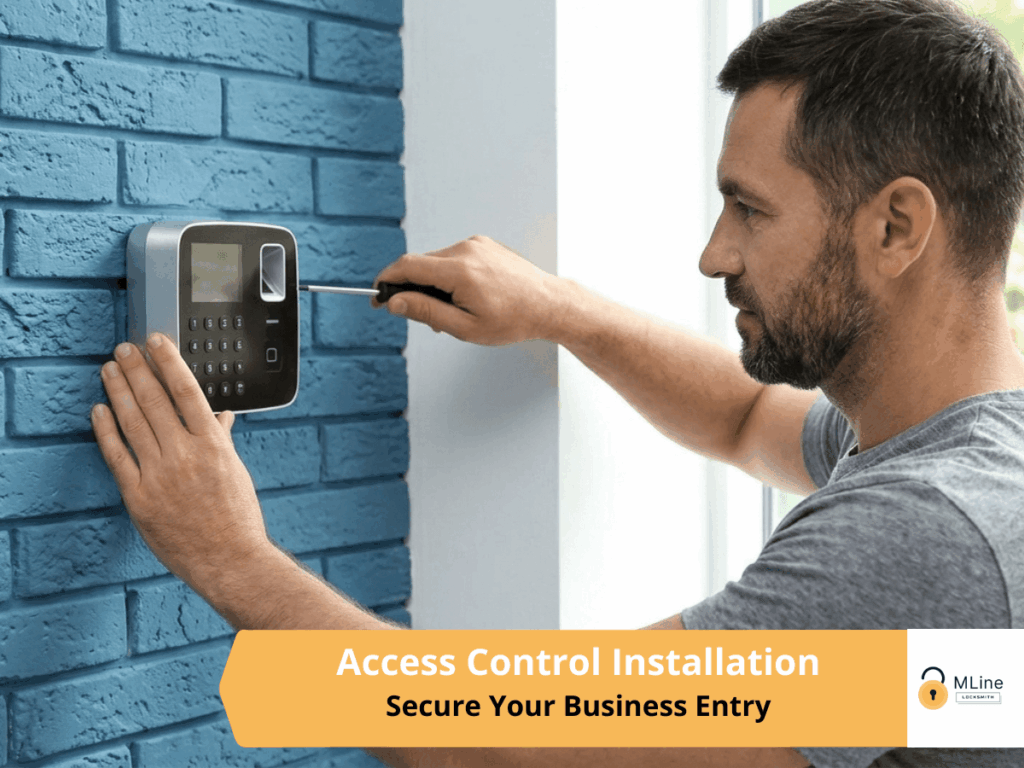
Hardware installation covers the readers, control panels, electrified locking mechanisms, wiring, and power supplies. We follow proper electrical standards throughout and make sure every component is mounted cleanly and securely.
Software configuration sets up your user credentials, access levels, time-based schedules, and admin controls. When installation is complete, we walk your administrator through the platform: how to add and remove users, how to pull access reports, how to adjust permissions, and what to do if a credential is lost or a door stops responding as expected.
We do not hand you a system and a manual and leave. We make sure whoever is managing the system understands it before we close out the job.
The Main Line has the kind of commercial property mix where access control comes up regularly. Office parks in Wayne and Berwyn where multiple companies share a building and need independent access systems. Medical and professional suites in Devon and Ardmore where HIPAA-related access control is a practical necessity. Retail and service businesses in Malvern and Paoli that need after-hours security without depending entirely on an alarm system. Warehouses and light industrial properties where access to different areas needs to be restricted by role.
In multi-tenant buildings specifically, access control solves a coordination problem that mechanical locks handle poorly. Each tenant can have an independent credential system on their own doors while the building owner maintains a separate master-level access for common areas and building management. No shared keys, no rekeying every time a tenant changes, no access gaps when someone leaves.
A properly designed access control system grows with your business. Adding a new door, a new user group, or a new location does not require starting over. It requires adding to a system that was built with expansion in mind from the start.
We design every system with your current footprint and your likely growth trajectory in mind. If you are a twelve-person office today planning to double in size over the next two years, that affects how we size the control panel, how we structure the credential hierarchy, and what software platform we recommend.
Maintenance needs are minimal but real. Firmware updates, credential audits, and periodic hardware checks keep the system running reliably. We provide guidance on what to monitor and are available for service calls if something stops functioning correctly.
Licensed & insured locksmith serving Chester County and Delaware County, PA.
A single-door installation is perfectly reasonable for a business that only needs to control one entry point. Systems can also scale to hundreds of doors across multiple locations. The design changes significantly between these two scenarios, which is why the site assessment matters.
It depends on how the hardware is configured. Fail-safe locks release on power loss, fail-secure locks stay locked. We configure each door appropriately based on its function and applicable code requirements, and battery backup options are available for critical doors.
Yes. Many access control platforms support integration with CCTV systems so that an access event can trigger a camera to record or display the entry. We assess integration options based on your existing or planned camera infrastructure.
You deactivate it in the software immediately. There is no rekeying, no lock change, no window of vulnerability while you figure out who has a spare. A new credential can be issued the same day.
A single-door system can typically be installed and configured in a few hours. A multi-door commercial installation depends on the scope, wiring requirements, and hardware involved. We give you a realistic timeline after the site assessment.
Yes. If you have an existing access control system that needs repair, expansion, or reconfiguration, we can assess it and advise on the best path forward.
Access control is only as useful as the design behind it and the installation supporting it. A system that was specced incorrectly, installed without attention to fail-safe requirements, or handed off without proper administrator training creates frustration rather than security.
At MLine Locksmith, every access control installation is backed by a 1-year warranty on parts and labor. We serve commercial properties throughout the Main Line and approach every project with the same attention to planning and detail regardless of scope.
If you are ready to talk through what an access control system would look like for your property, give us a call and we will start with the right questions.

About Us
Reach out to us